
Scan2Serve
QR table ordering for restaurants, with digital menus, live kitchen and waiter boards, and cash checkout.
01 — Scope
What we made
A restaurant system for QR table ordering. Guests use a digital menu. The kitchen and the floor each have a live board. Checkout can be cash on delivery. A restaurant opens its own account from the public site.
- Public page for creating a restaurant account
- Login and registration for the restaurant
- Digital menus reached from a QR code at the table
- Live kitchen and waiter boards, plus cash checkout
02 — Approach
How we made it
Give the restaurant an account
Registration collects the restaurant name, email, and password, and the same account is used to log back in.
Put the menu on the table
Ordering starts from a QR code, so the menu does not depend on a printed sheet or a waiter taking the first order.
Split the live boards
Kitchen and waiter boards update while the order is open, and checkout can close as cash rather than only as an online payment.
03 — Stack
What we used
04 — The product
Pages and functionality
Home
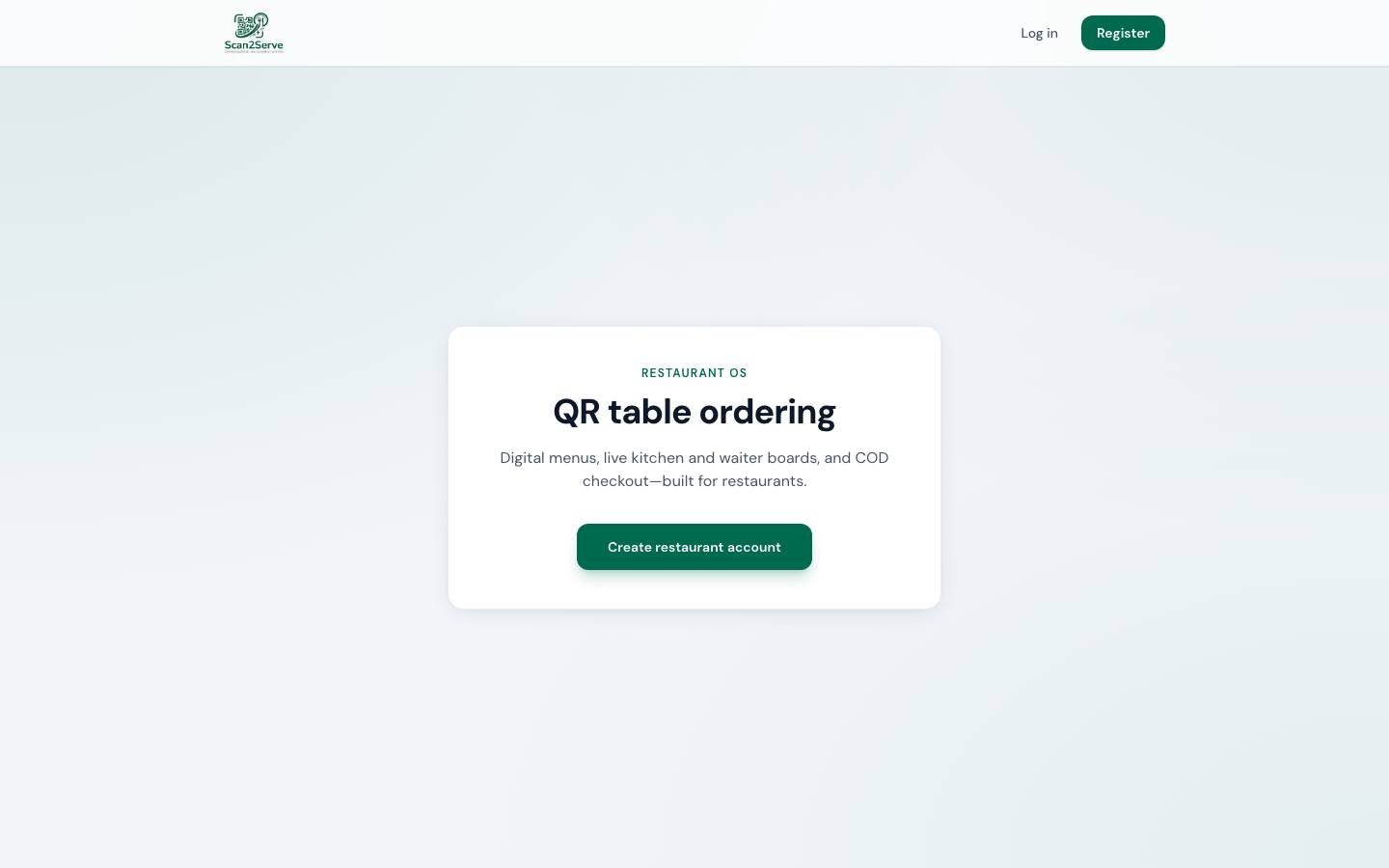
Introduces Scan2Serve as a restaurant OS for QR table ordering, digital menus, live boards, and cash checkout.
Register
Creates a restaurant account with name, email, and password.
Log in
Returns an existing restaurant to the app.
Table menu
The guest-facing menu opened from the QR code.
Kitchen and waiter boards
Live boards for the kitchen and for staff on the floor.
05 — Result
What changed
The order starts at the table
A guest can open the menu from a QR code instead of waiting to flag someone down.
Kitchen and floor see the same order
The live boards keep the kitchen and the waiters on the current ticket.
Cash still closes the bill
Checkout includes cash on delivery, which matches how many restaurants still take payment.
See the website
Open Scan2Serve on the live site.